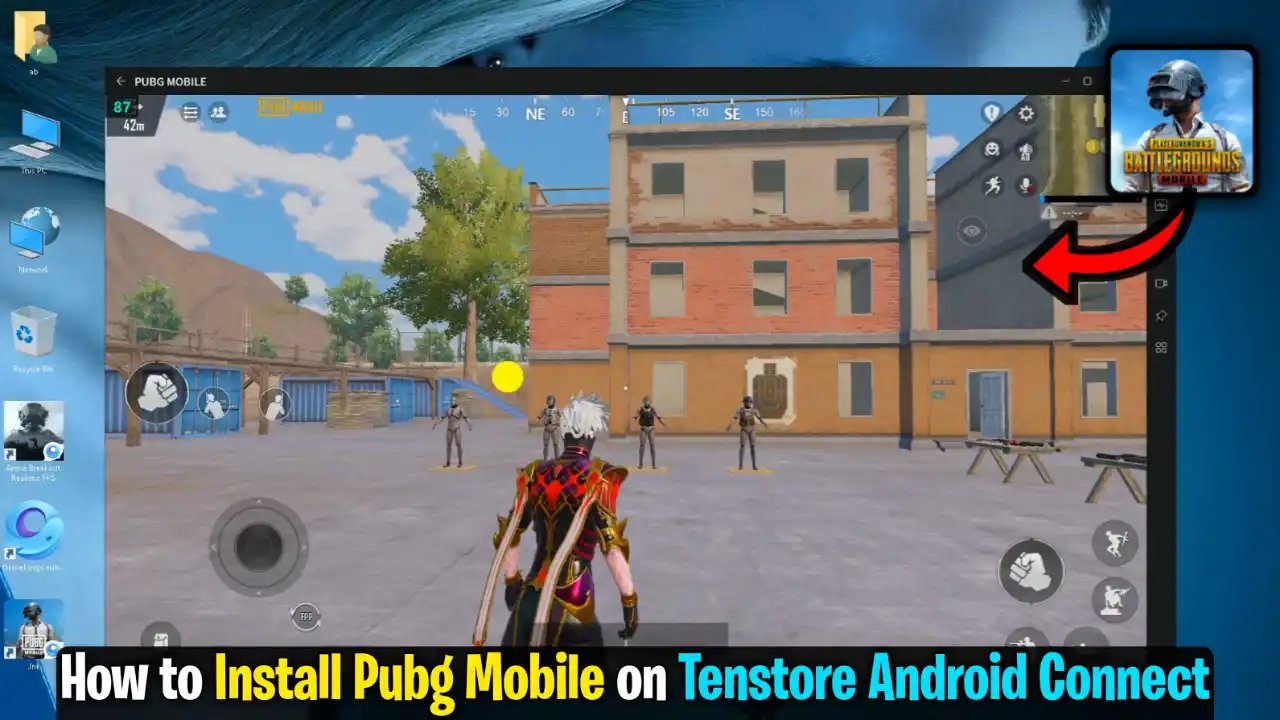
Tenstore App Connect is the official emulator of PUBG Mobile, in which you can play PUBG Mobile. Although officially playing PUBG Mobile on it is not possible, I will tell you the official method by which you will play PUBG Mobile in Tenstore Android Connect. I will also tell you the best key mapping.
The benefit of playing PUBG in this is that you get official game-like matchmaking. Against you, GameLoop players will come. In this emulator, you get the latest Android version, due to which your FPS most of the time does not drop.
Step-by-Step Installation Guide
First, you have to download the setup of Tenstore, in which you will get two files: Number one Tenstore Android Connect file, and number two PUBG Smart Keymap Tool.
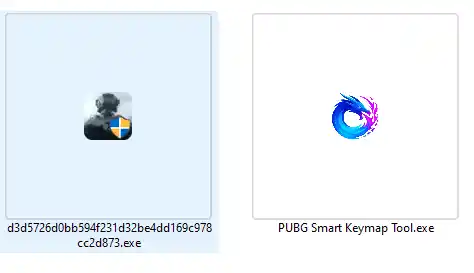
First, you have to install Tenstore Android Connect on your PC, which you can install just like normal software.
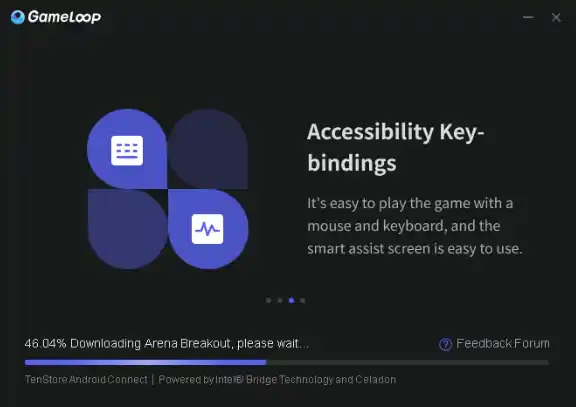
After installing, your Arena Breakout realistic FPS game will launch. As soon as it launches, you have to close it. You don’t have to download any resources. We just have to run it.
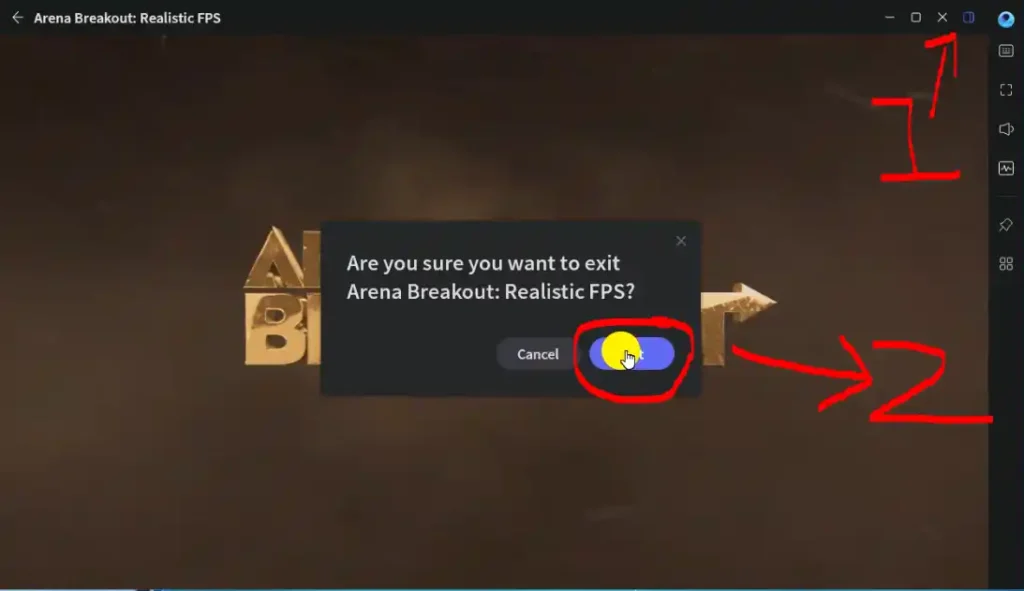
After that, you have to right-click on your desktop, go to New, and create a shortcut. In the shortcut direction, you have to paste this command.
"C:\Program Files\Tencent\GameLoop\Application\GameLoopLauncher.exe" --from "4" --launch-pkg-name "com.android.vending" --launch-proc-name "GameLoopEmulator.exe"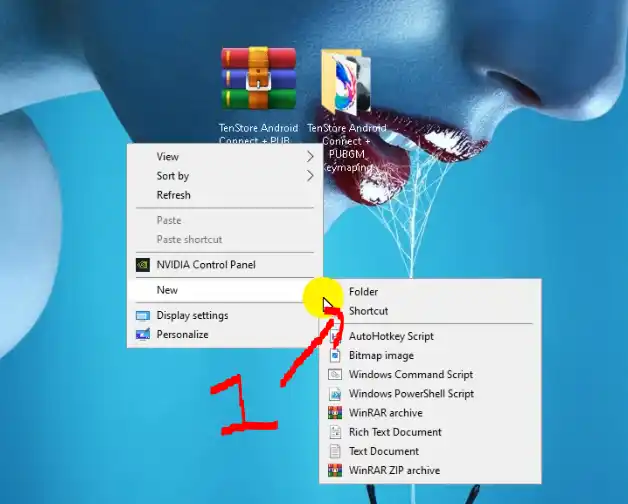
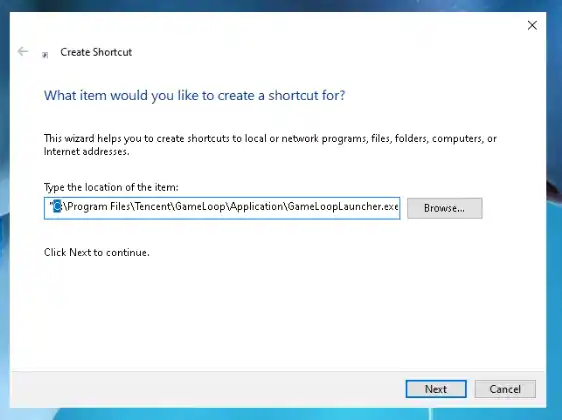
In this command, whatever C: you see, this is your local. With this emulator, if you’re in any other local than the one in which you installed it, you have to select that local here and next and save it.
After that, when you launch it, your Play Store will run in it, so now you can install any application from the Play Store.
Remember, the first time you launch it, your Play Store will crash in it, but the second time it launches, then you can sign in with your Gmail ID.
After signing in with your Gmail ID, you have to download PUBG Mobile inside it.
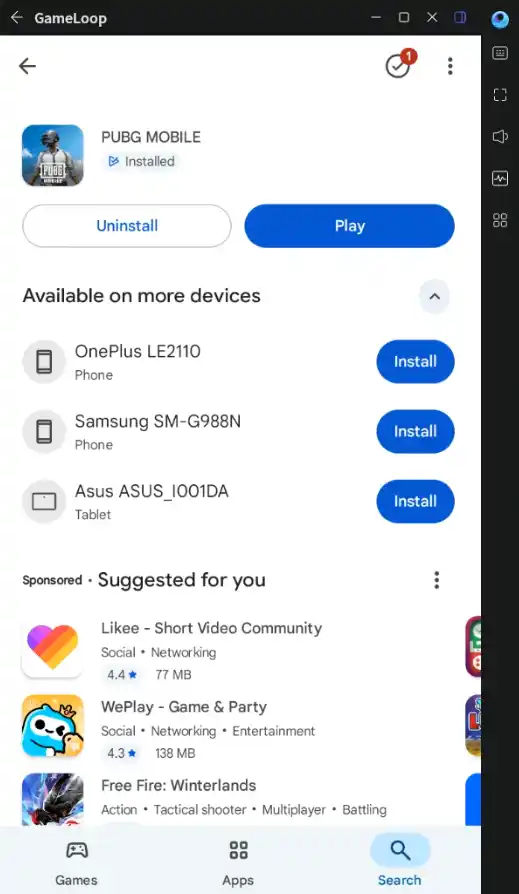
After PUBG Mobile is installed, it will give you its shortcut on the desktop. From this shortcut, you will launch PUBG Mobile.
GamePlay ProofIn this way, you can officially install PUBG Mobile in it.
Best Key Mapping Setup
After PUBG Mobile is installed, you have to use the GameLoop tool. Using the PUBG Smart Keymap Tool, you can fix key mapping problems.
How to use this tool: for that, you can watch this video. In this video, I have completely explained this tool and how to run it.
If you use this tool, your mouse Stuck Fix , your movement will become fast, and you can do same Like Gameloop Key mapping.
Emulator Settings and Advantages
Now talking about this emulator’s settings, if you compare its settings with GameLoop, then this is far better than GameLoop because in GameLoop you get DirectX and OpenGL, in this emulator you get Vulkan support. Vulkan is the latest engine in which you can run most of the games.
The biggest highlight of this emulator during testing was that your FPS does not drop. Like if you play PUBG Mobile ON Gameloop, in a rush your FPS, if it is 100, then becomes 20, but this emulator in this if your FPS comes to 50, then it will be 40 and will not go lower than that.
Will Your ID Get Banned?
Now the main question: will your ID get banned from this? So the answer is no, using this emulator, your ID will not get banned. This emulator is tested, and it is Tencent’s official emulator. Due to having its latest Android version, your ID remains quite safe in it.
If talking about matchmaking, then yes, in this you get fast matchmaking. If you play on other emulators, you don’t get matchmaking because PUBG Mobile’s matchmaking is only in its official emulator like GameLoop.
