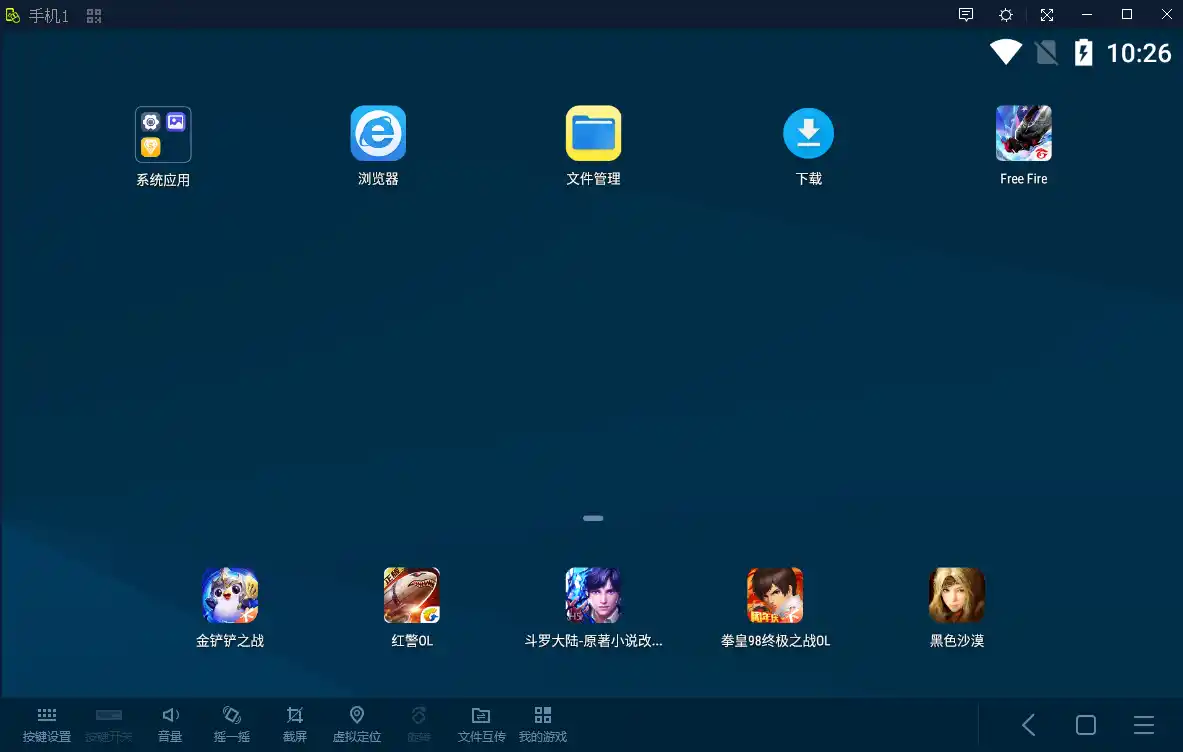
LDS GameMaster is a brand-new emulator that is most popular in the Chinese market. This emulator can run on your low-end PC, but now you can also download it globally. It allows you to install most games with just one click. If a game does not install, you can also install games manually.
Highlight Features of LDS Master Emulator
Talking about its highlight features, it runs Android 7.1.2, which makes it easy to install most games like PUBG Mobile, Free Fire, and Call of Duty. Due to the higher Android version, you won’t get banned in most games.
User Interface (UI)
As for its UI, it’s quite simple, and it does not come with extra applications like the Play Store, Google Play Services, or Facebook—you will need to install these manually. Its UI is very similar to the LDPlayer emulator.
Key Mapping Support
In terms of key mapping, you get pre-configured key mapping for games like Call of Duty, PUBG Mobile, and other latest games. This means 80% of the games won’t require you to configure the key mapping, but some games might not have built-in key mapping, and you can set those manually.

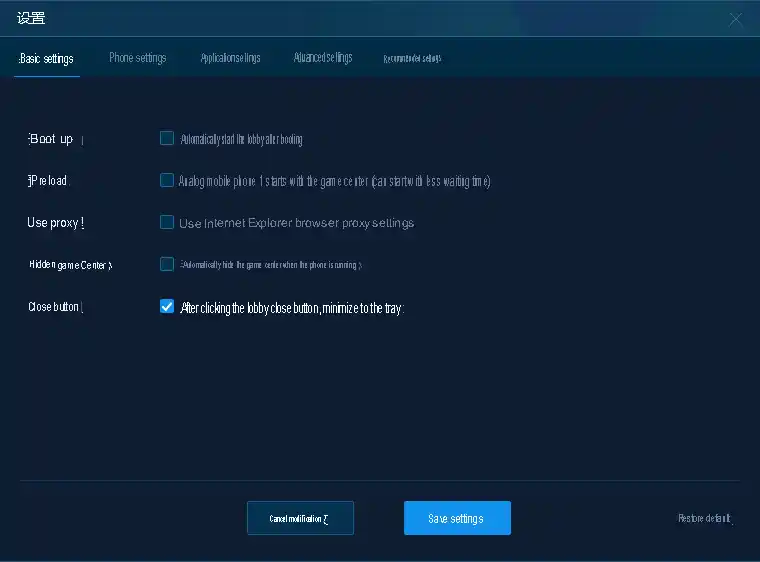
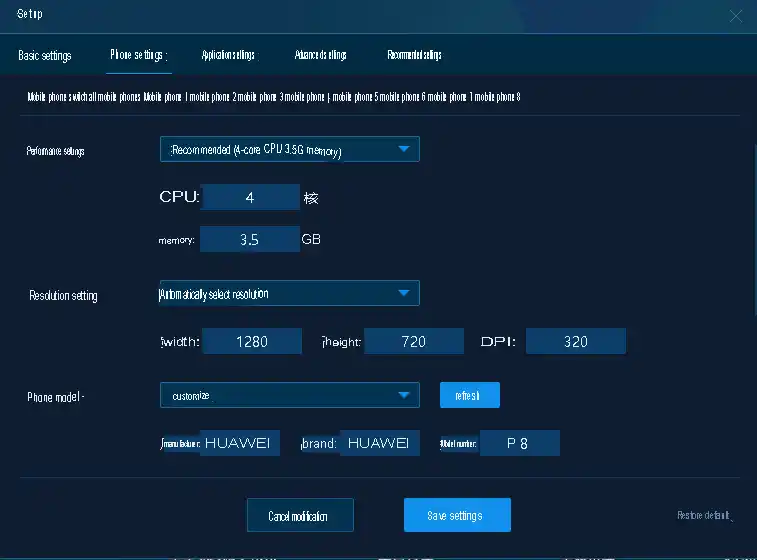
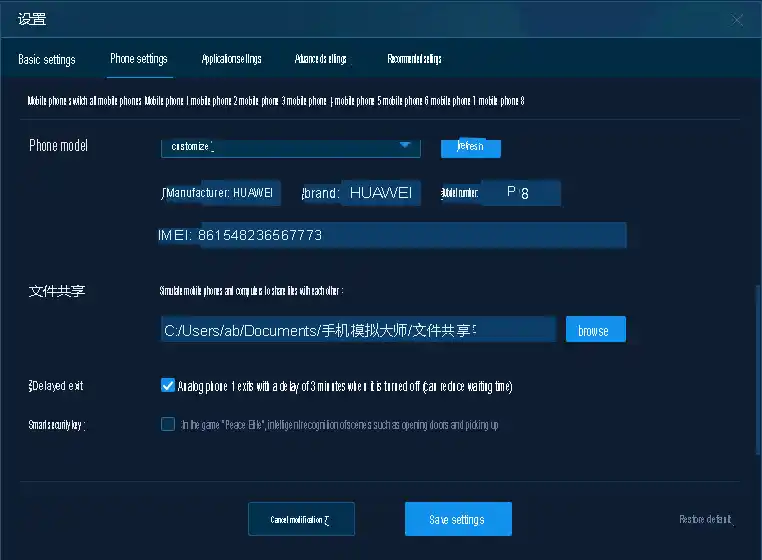
Settings and Customization
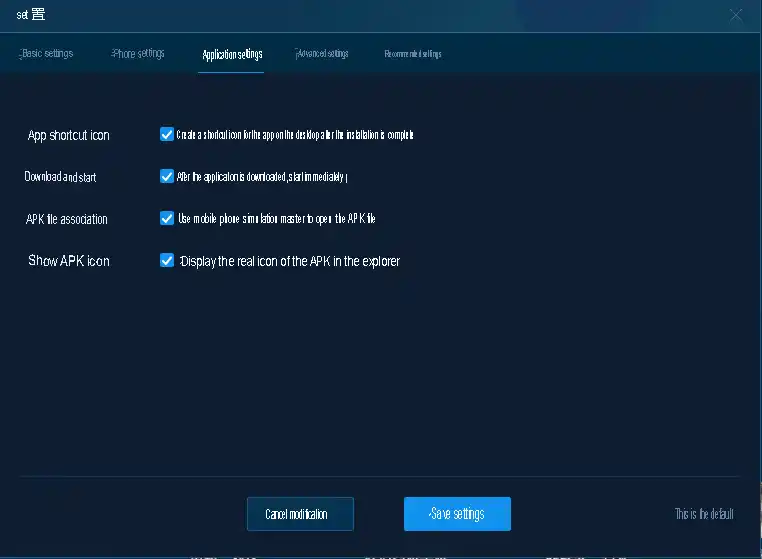
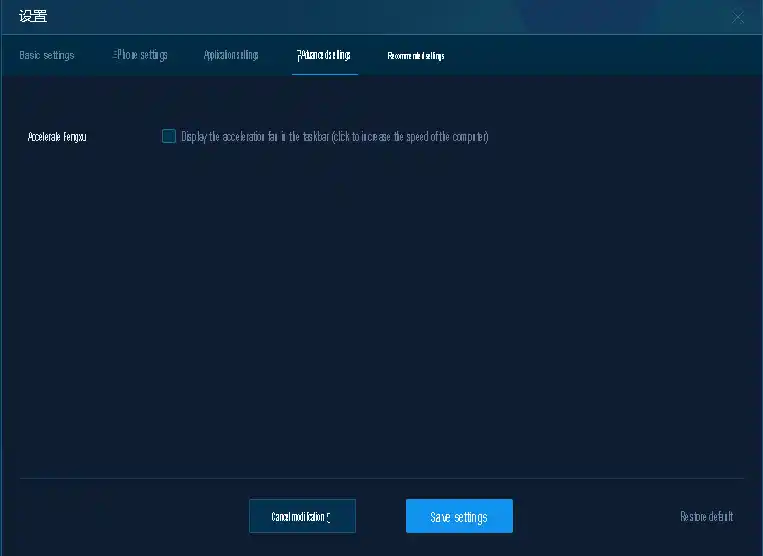
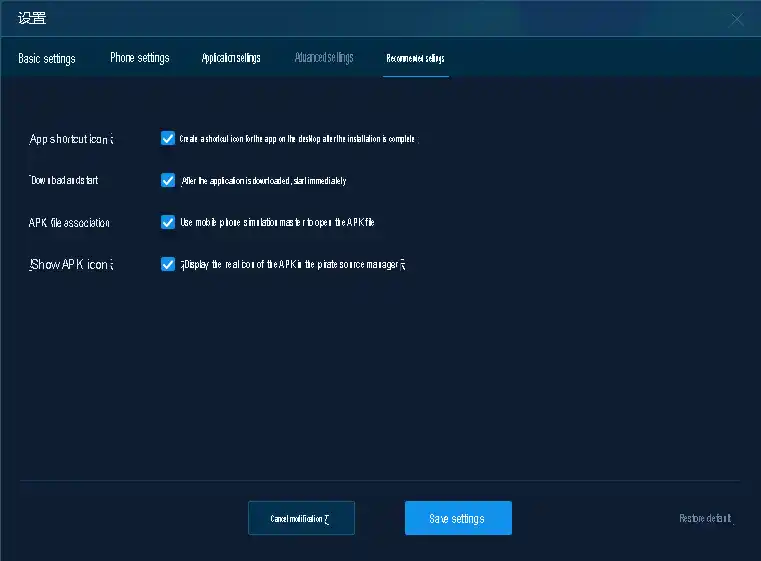
Talking about settings, most of the settings are available where you can adjust your core RAM, game resolution, and even change the device.
Available Versions of LDS Master Emulator
This emulator comes in two setups:
32-bit, designed for low-end PCs, where you can run high-end games with fewer resources; and a 64-bit version, designed for mid-range and high-end PCs, which offers compatibility with most applications.
Password: 123
VT Requirement and Chinese Emulator Features
Being a Chinese emulator, it allows you to install the emulator through a QR code, share files, etc., but you do need VT (Virtualization Technology). Without VT, this emulator won’t work, as it uses a virtual box, and virtual boxes cannot run without VT support.
Problems with LDS MasterEmulator
Now, talking about some of the problems with this emulator, it installs many extra applications automatically. The default language is Chinese, which leads to several apps being installed without permission.
You don’t get access to the right-click scope button used in games, although there are ways to do it, but this control isn’t built into the emulator.
Availability and Recognition
LDS GameMaster is not a modded emulator; it’s an official emulator that has been globally released, though it’s only available in some companies. That’s why it doesn’t have as much recognition as the gameloop or bluestacks other low-end emulators. Also, the company that developed this emulator hasn’t been able to advertise it enough, which is why you won’t find it easily on platforms like YouTube or Google
